Smart home technology is moving fast, but the electrical infrastructure behind it hasn't changed much. Whether you're building a new home or rewiring an existing one, the best time to plan for smart tech is during the electrical first fix, when the walls are open and cable runs are cheap. Here's what's worth wiring for now, even if you don't plan to use it straight away.
Structured Cabling: The Foundation
Wi-Fi is convenient, but hardwired connections are faster, more reliable, and don't suffer from interference. During first fix, we can run Cat6a ethernet cable to key locations: living room, home office, each bedroom, and wherever you might mount a TV. A single cable run during first fix costs a fraction of what it would cost to retrofit later. We terminate everything at a central patch panel (usually in the utility room or attic) so your network is clean and expandable.
Wi-Fi Access Points
Even with ethernet, you'll still want strong Wi-Fi coverage. The most reliable approach is ceiling-mounted access points, one per floor or wing of the house. We pre-wire a power and data cable to each access point location during first fix. This eliminates dead spots and gives you consistent coverage throughout the property. Brands like Ubiquiti UniFi and TP-Link Omada are popular choices for this setup.
Smart Lighting Prep
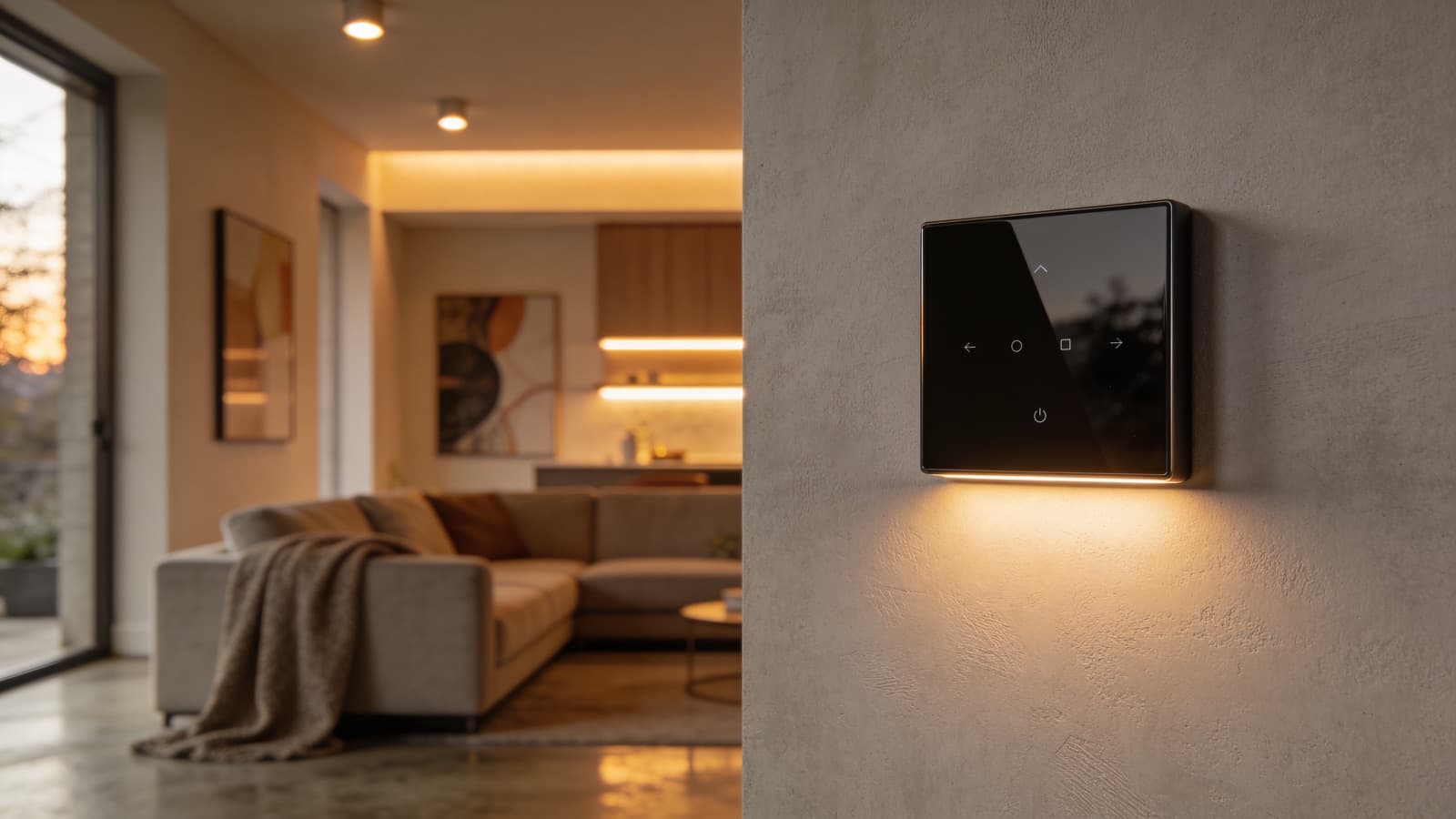
Smart lighting comes in two forms: smart bulbs (which work in any fitting) and smart switches (which replace the wall switch). If you're likely to use smart switches, we install deeper back-boxes during first fix to accommodate the extra electronics. We also run a neutral wire to every switch location. Older installations often don't have this, and many smart switches require it. This is essentially free during a rewire but expensive to add later.
EV Charger Pre-Wire
If you're not ready for an EV charger today but might be in the next few years, pre-wiring during first fix is smart. We run a 10mm cable from the consumer unit to your parking spot and leave it terminated in a weatherproof enclosure. When you're ready for the charger, installation takes an hour instead of a day, and costs a fraction of a full install because the cable is already in place.
Home Office Circuit
Remote working is here to stay. A dedicated circuit for your home office (separate from the general socket ring) means your work setup isn't affected by high-draw appliances elsewhere in the house. We typically install a double socket behind the desk position, an ethernet point, and a dedicated circuit back to the consumer unit. It's a small addition during first fix that makes a big difference to reliability.
Solar and Battery Ready
Even if you're not installing solar panels today, you can prepare for them. We run a conduit from the attic to the consumer unit location, leave space in the board for additional circuits, and install a suitable earth rod. When solar goes in later, the installer has a clear cable route and proper earthing already in place. This saves time, money, and disruption when you eventually make the switch.
What We Recommend
You don't need to wire for everything. Our advice is to focus on the things that are expensive or disruptive to add later: ethernet runs, switch neutrals, EV charger cables, and solar conduit. Smart bulbs, smart plugs, and wireless sensors can all be added at any time without touching the walls. The key principle is: if it goes behind a wall, do it now. If it plugs in, it can wait.